REAL FABRIC.
READY TO RENDER.

* To be downloaded on desktop;
built for 3ds Max 2026 and higher
SIMPLE TO USE. BEAUTIFUL, LUXURIOUS FABRIC TEXTURES
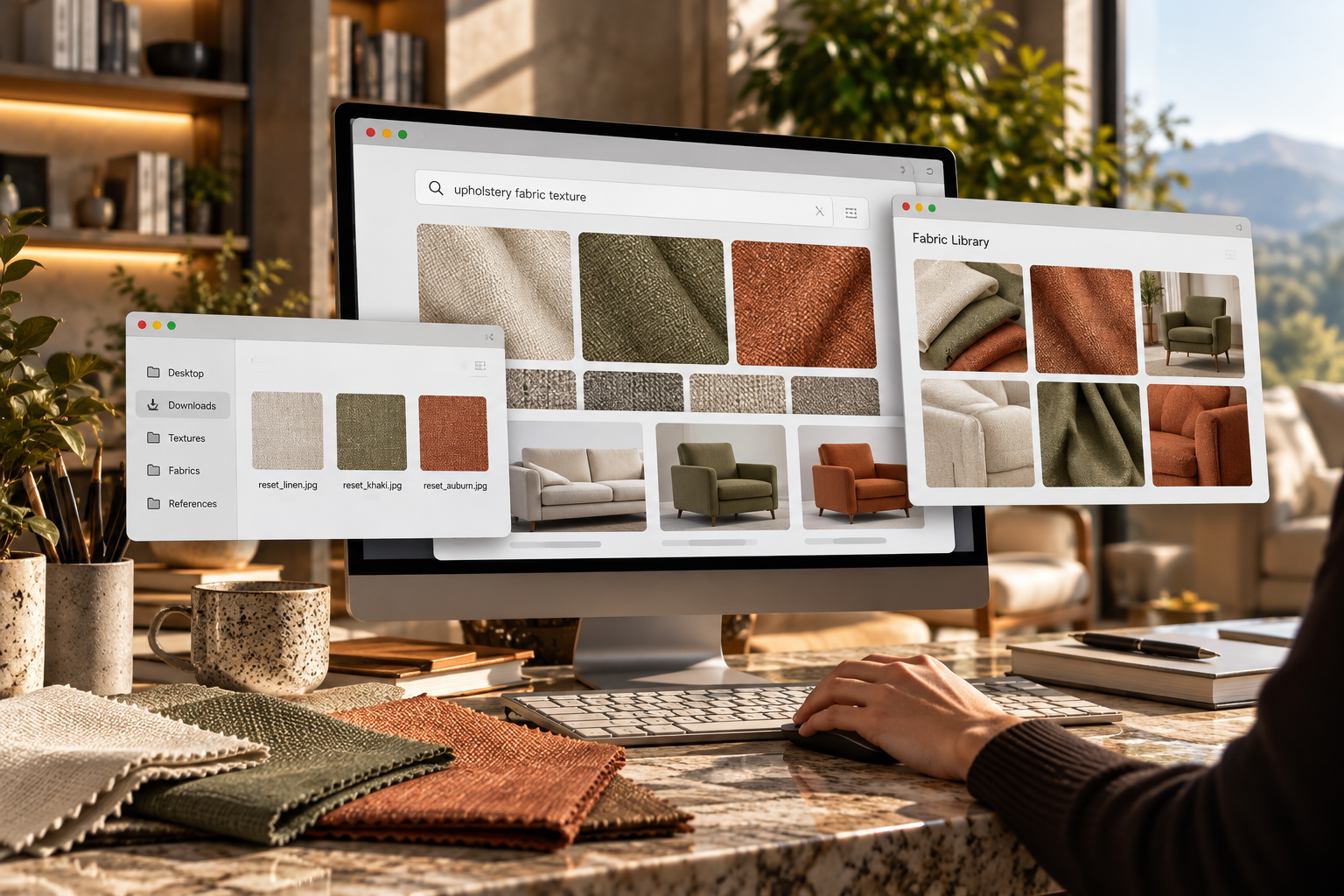
No more delays
Searching across websites and folders takes time that should be spent designing.
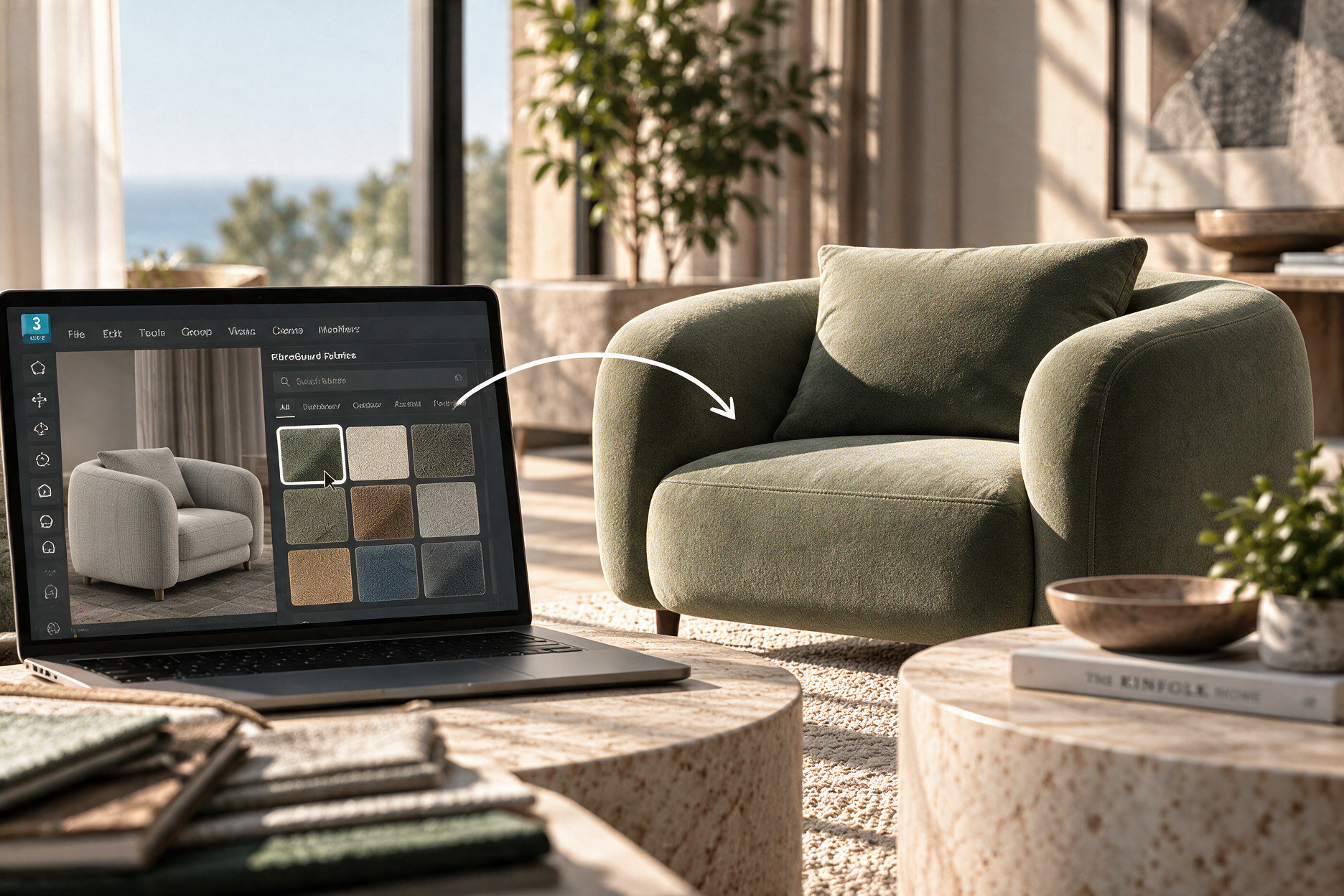
Keep every fabric in one place
Browse real FibreGuard fabrics in one organised library inside 3ds Max.

Stay focused on the design
Find what you need, apply it and continue working without breaking your creative flow.
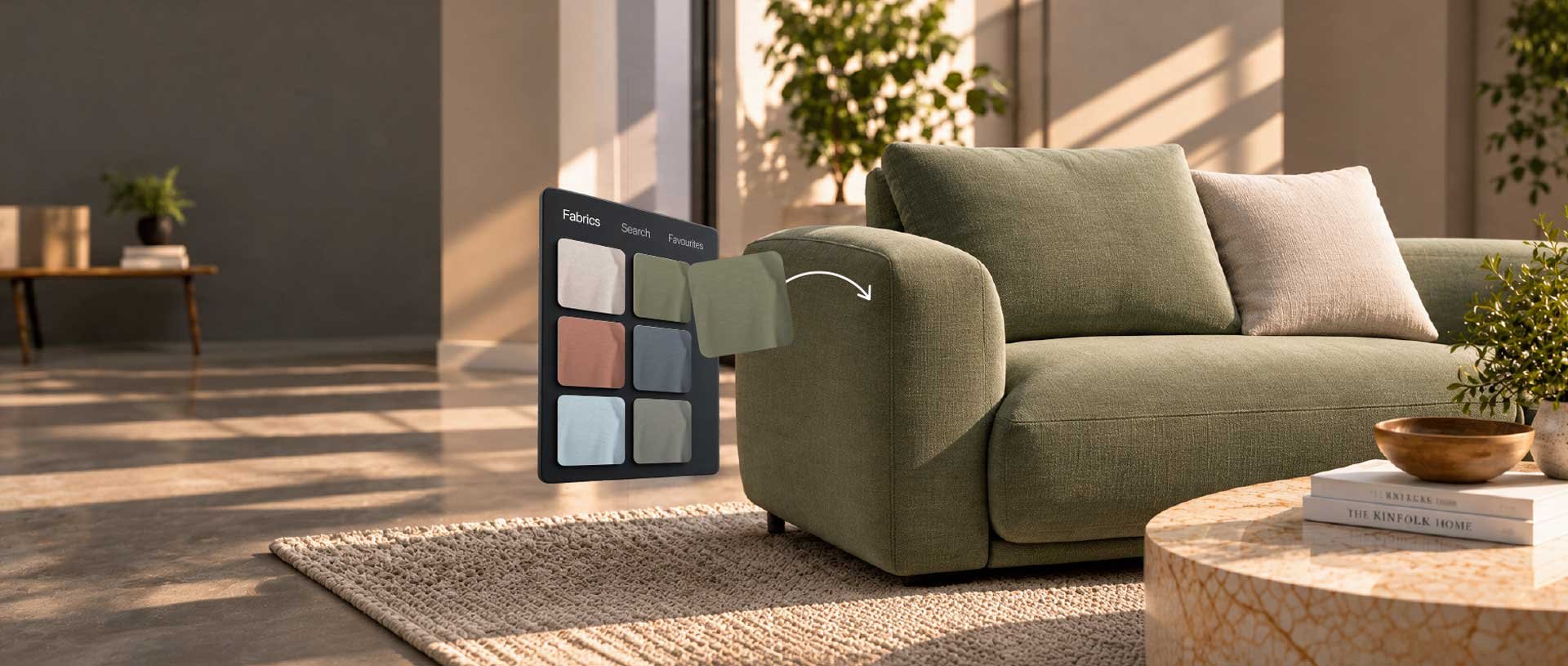
DRAG. DROP.
DONE.
* To be downloaded on desktop
built for 3ds Max 2026 and higher
BUILT FOR THE WAY DESIGNERS WORK
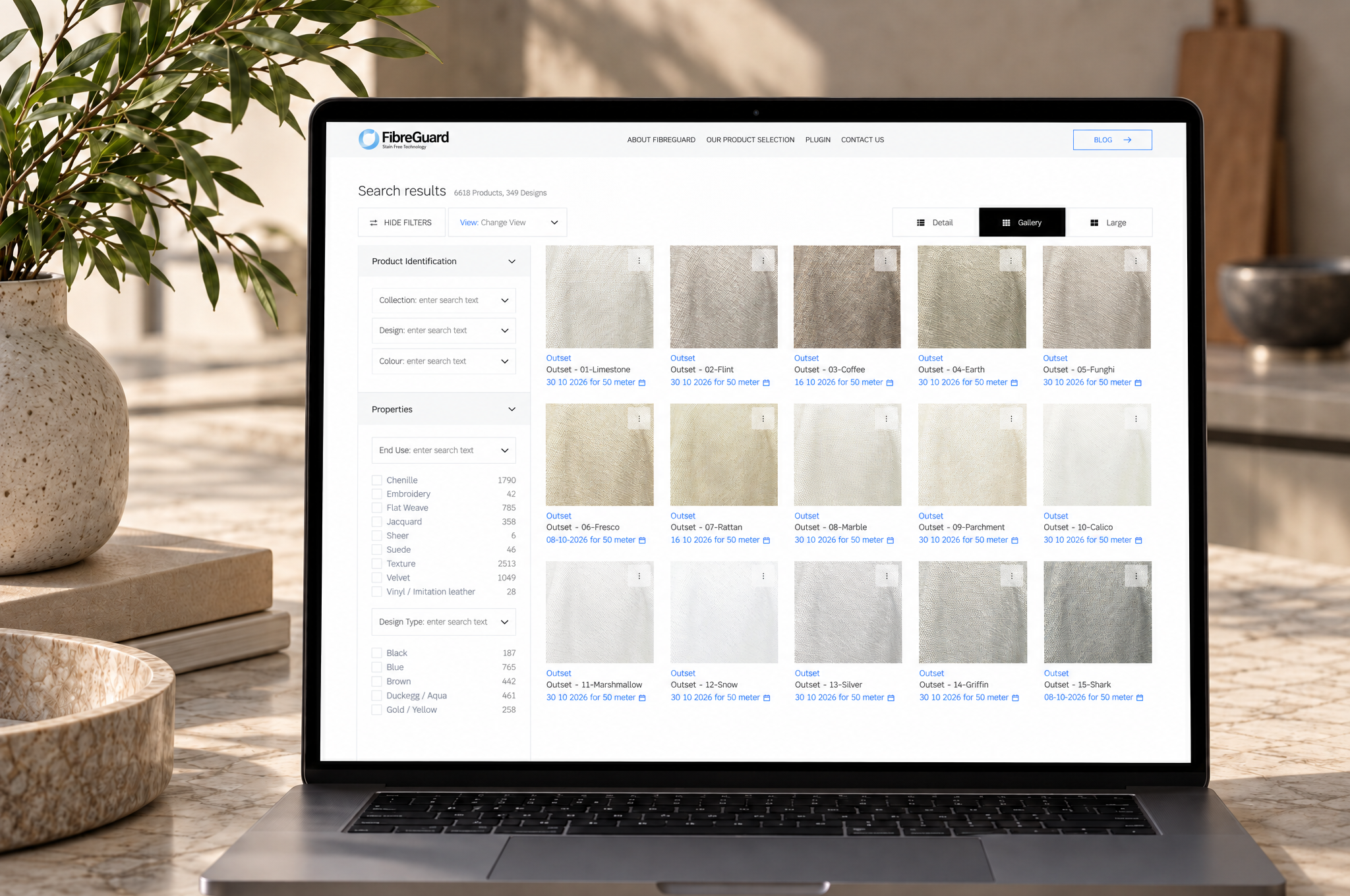
1.
Find FibreGuard fabrics
Choose your fabric and apply it directly to your 3D interior.
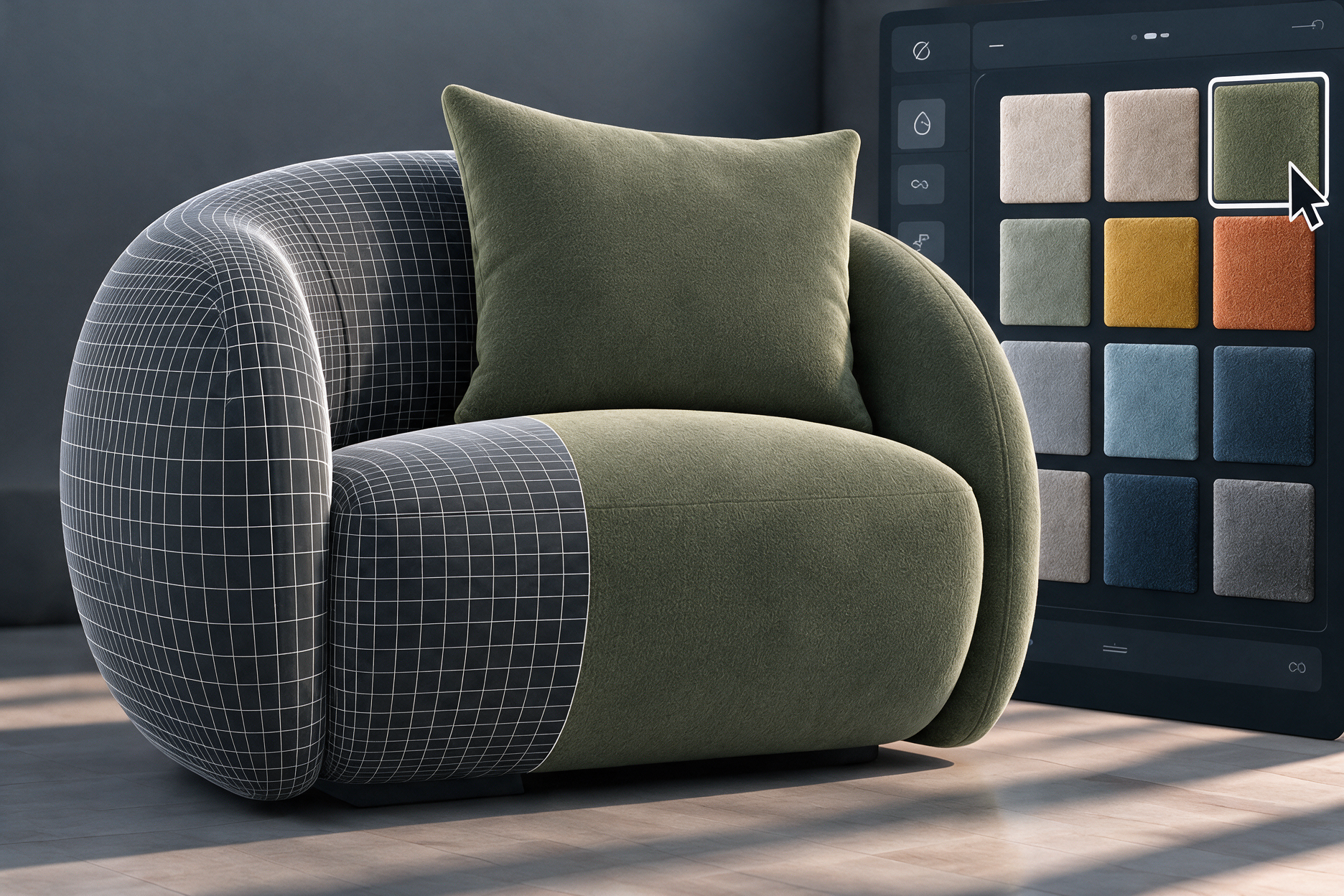
2.
Apply it in 3ds Max
Choose your fabric and apply it directly to your 3D interior.

3.
Continue designing
Spend less time searching and preparing and more time bringing your design to life.
REAL FABRICS. READY FOR 3D.
Authentic FibreGuard fabrics, digitised for the way you design.
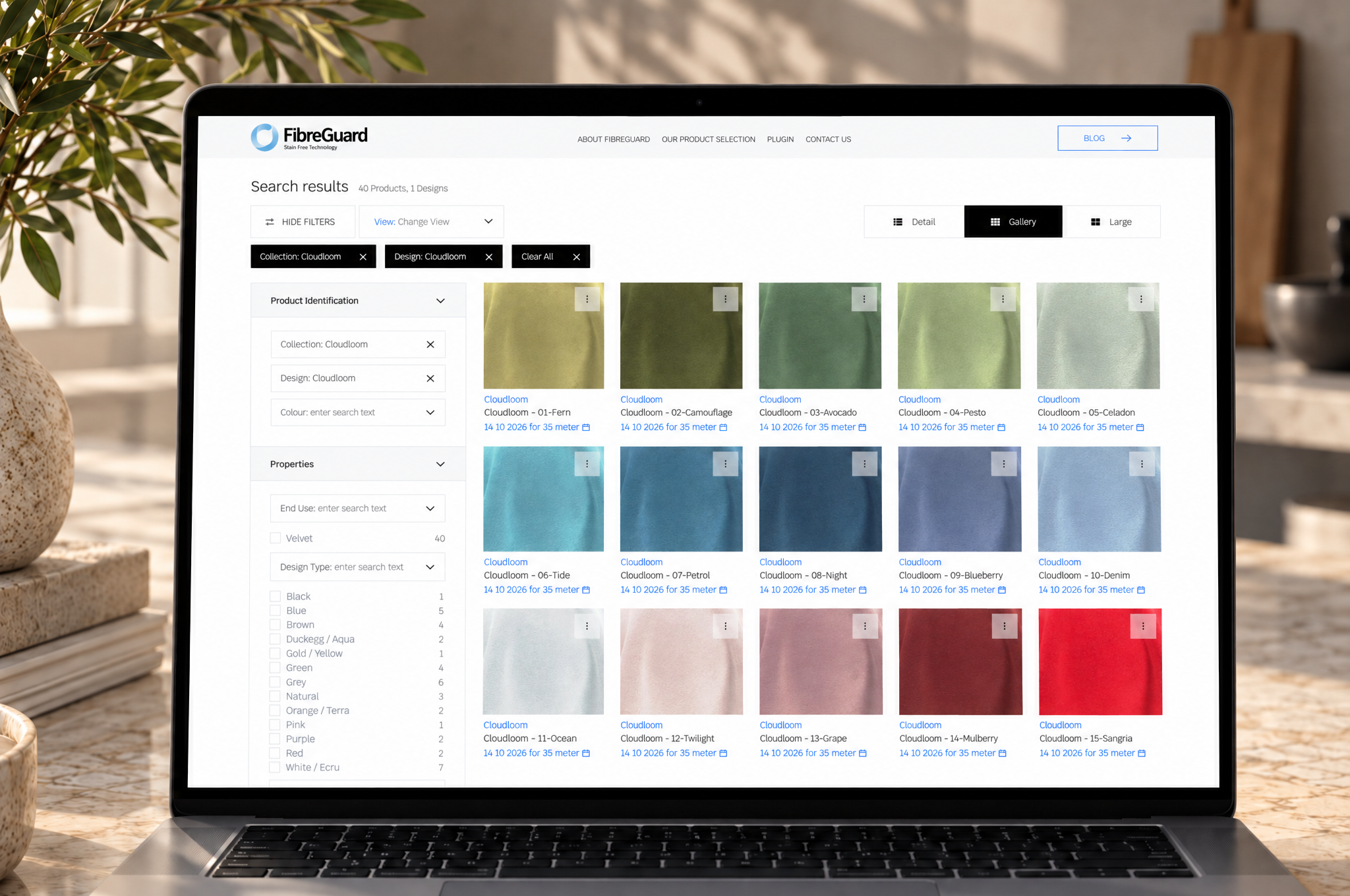
Thousands of interior fabrics
A curated library of real FibreGuard fabrics for every style and space.
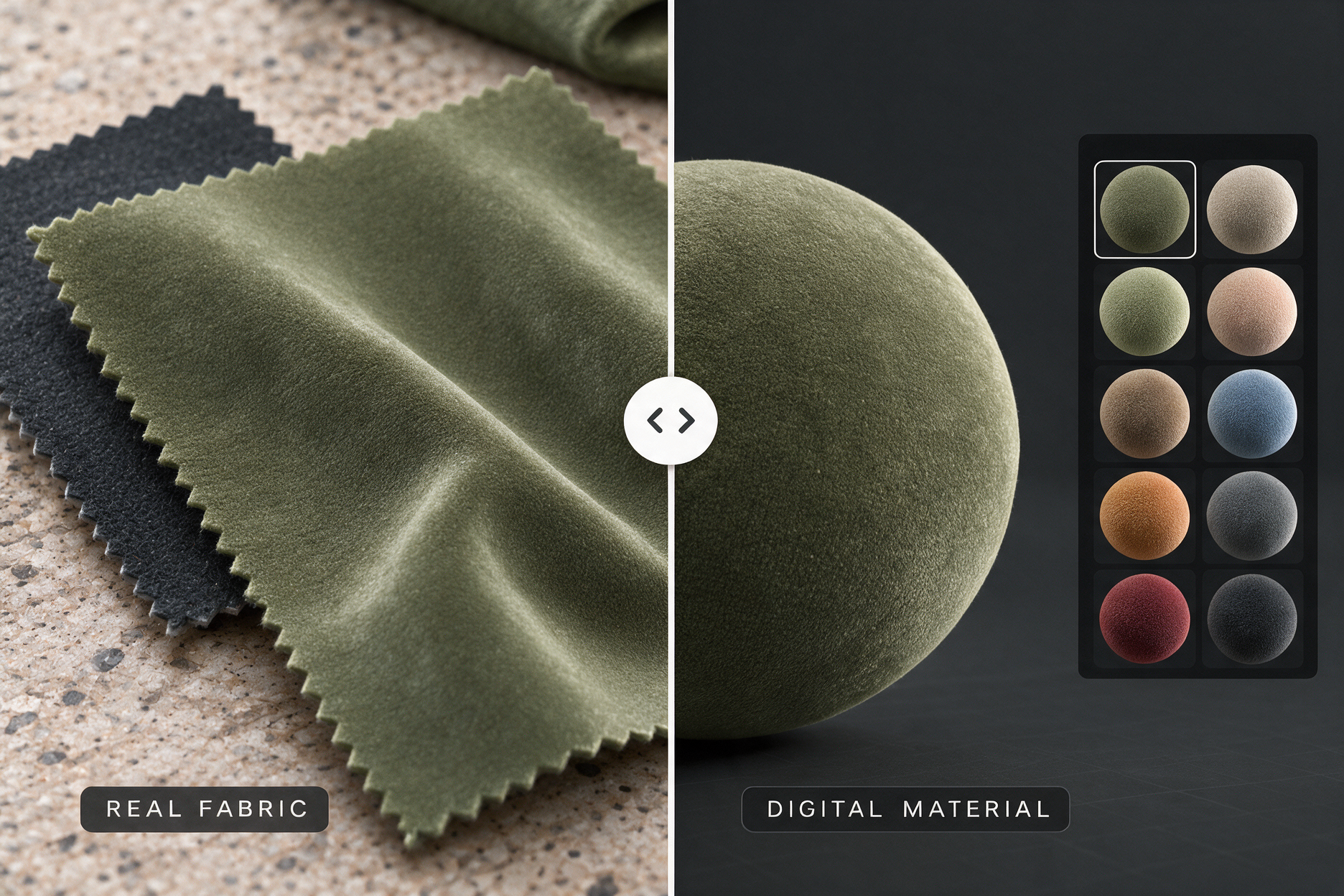
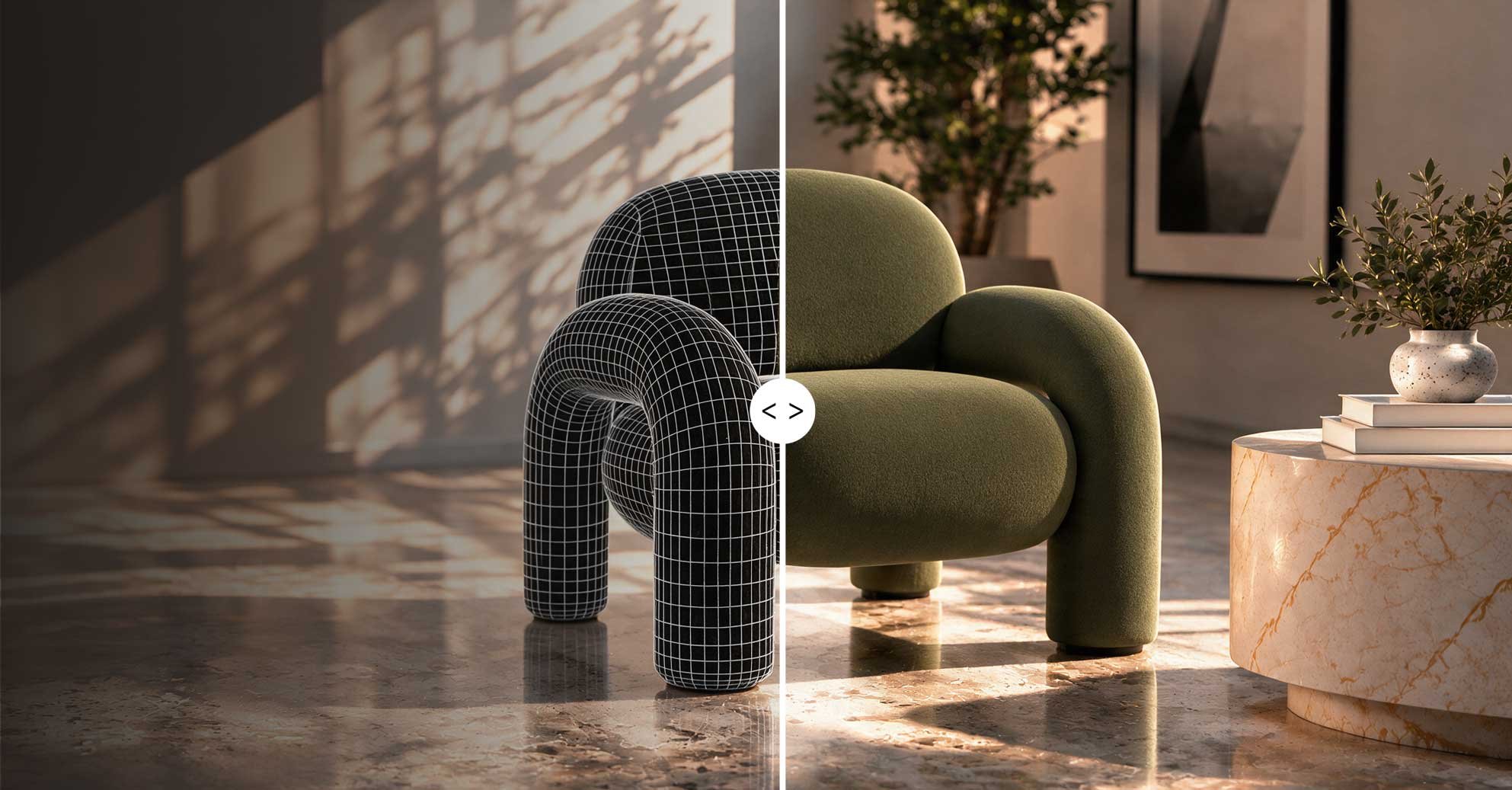
Digitised from physical fabrics
Textures capture real-world weave, depth and light response.
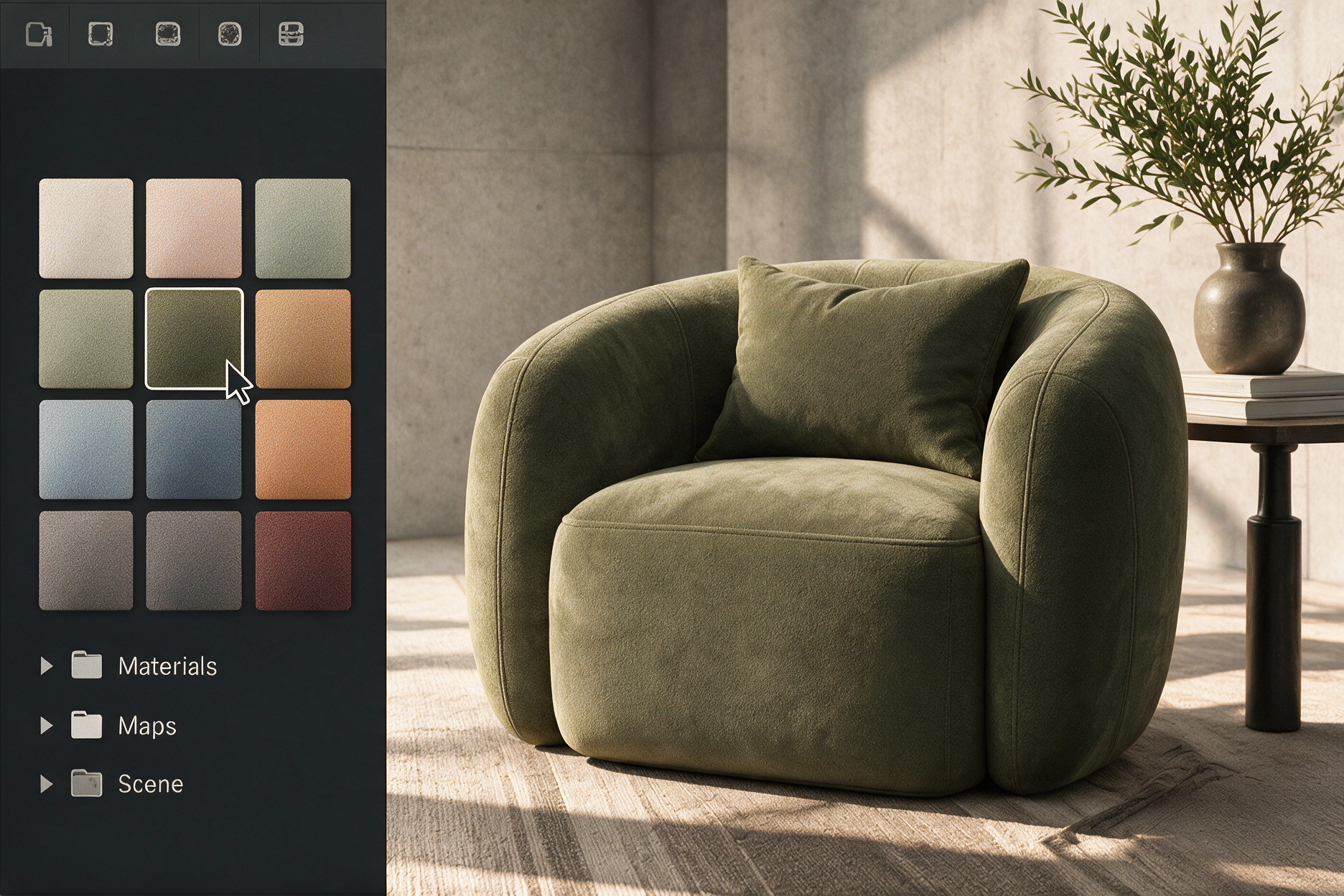
Ready for 3ds Max workflows
Apply fabrics effortlessly and render concepts that feel client-ready.
FREQUENTLY ASKED QUESTIONS
- Install
After a successful download of the plugin, run the installer and follow the on-screen steps. Once installation is complete, restart 3ds Max to activate the plugin.
- Restart 3Ds Max
Once the installation has completed, restart 3ds Max. The FibreGuard toolbar button will appear in your main toolbar.
- Open the fabric library
Open the FibreGuard plugin in 3ds Max to access a growing library of real interior fabric textures for sofas, chairs, curtains, and upholstery.
All textures are stored in a hidden folder in your user profile:
%USERPROFILE%\.brutex\3dsmax\
Each fabric has its own subfolder named by its reference number (SKU). For example, fabric 27321 is stored in .brutex\3dsmax\27321\.
No, the FibreGuard plugin does not require a login or account. The full catalogue is available immediately after installation.
The plugin supports 3ds Max 2026 and newer. It requires Python 3, which ships with 3ds Max 2026+. Older versions are not supported
V-Ray and Arnold have full, tested support with automatic material creation. Other renderers that support MaterialX may work but are not officially supported at this time.
Go to the Settings tab in the plugin panel. Click "Check for Update". If an update is available, click the update button to install it. You can also enable daily auto-checks. After updating, restart 3ds Max.
Open the Settings tab and look for the resolution preference. You can set the default to 1K, 2K, 4K, or 8K. You can also override the resolution per-download using the size dropdown on each fabric card.
The plugin verifies that all texture files referenced in the .mtlx file exist locally. If any file is missing or corrupted, the fabric reverts to "Download" state. Try redownloading: right-click the fabric and select "Redownload".
Plugin logs are written to:
%USERPROFILE%\.brutex\3dsmax\logs.log
3ds Max's own log is at:
%LOCALAPPDATA%\Autodesk\3dsMax\2026 - 64bit\ENU\3dsmax.log
Include both when contacting support.
- Delete the plugin folder from 3ds Max packages directory
- Optionally delete the %USERPROFILE%\.brutex\ folder to remove all downloaded fabrics and settings
- Restart 3ds Max
TRUSTED BY DESIGNERS. PROVEN IN THE REAL WORLD.
FibreGuard fabrics are independently tested, stain-resistant and specified by designers who need beautiful interiors
to survive real life. Soft to the touch. Durable under pressure.
Every digital twin in the plugin is a precise replica of the real fabric, accurate in weave, colour and scale, so the
render always matches what gets delivered.