GET SET UP IN 3 EASY STEPS
Compatible with 3ds Max 2026 and 2027
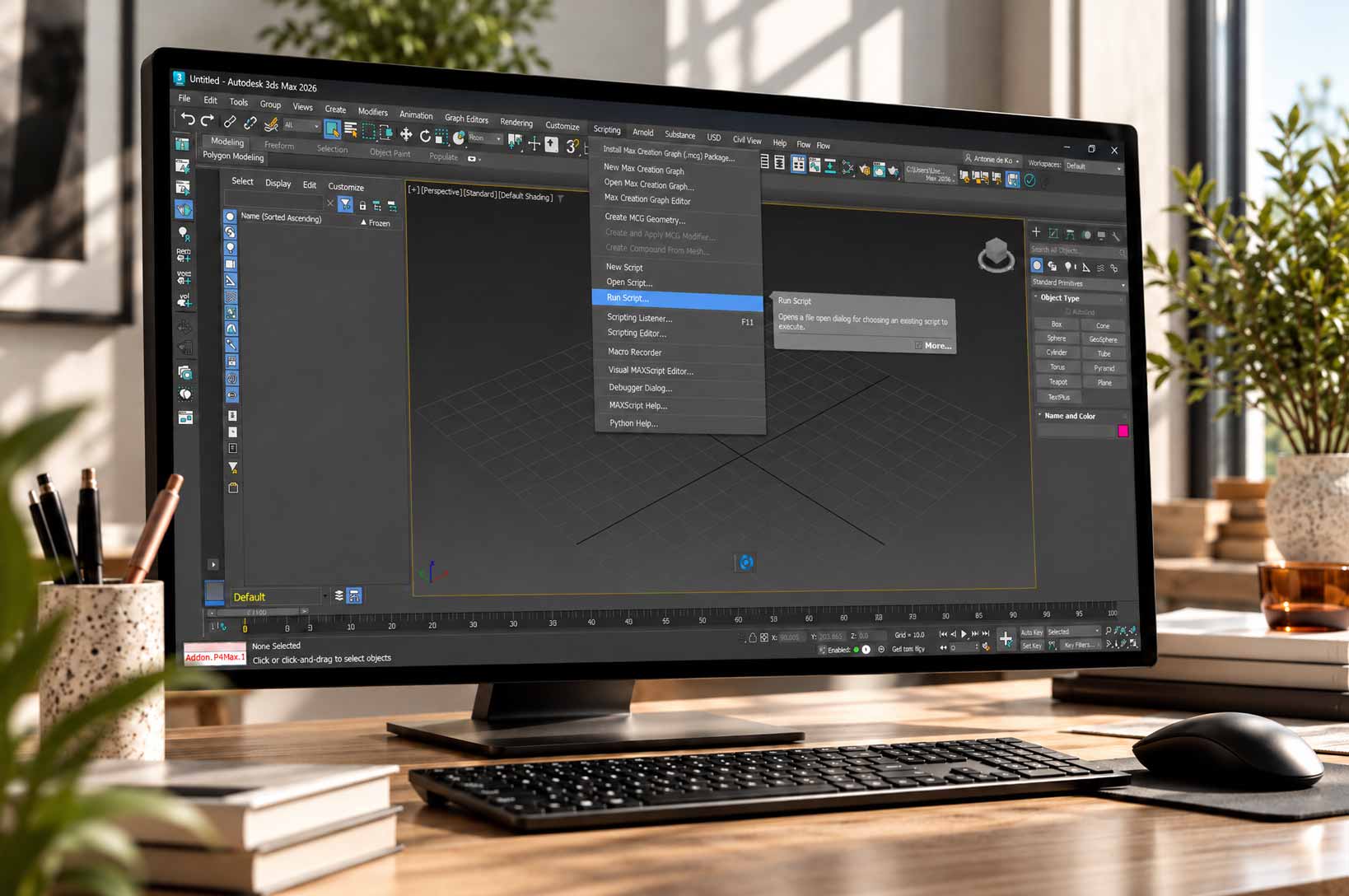
1.
Install the plugin
Unzip your downloaded file. Open 3ds Max, then drag and drop the .mzp file into the viewport.
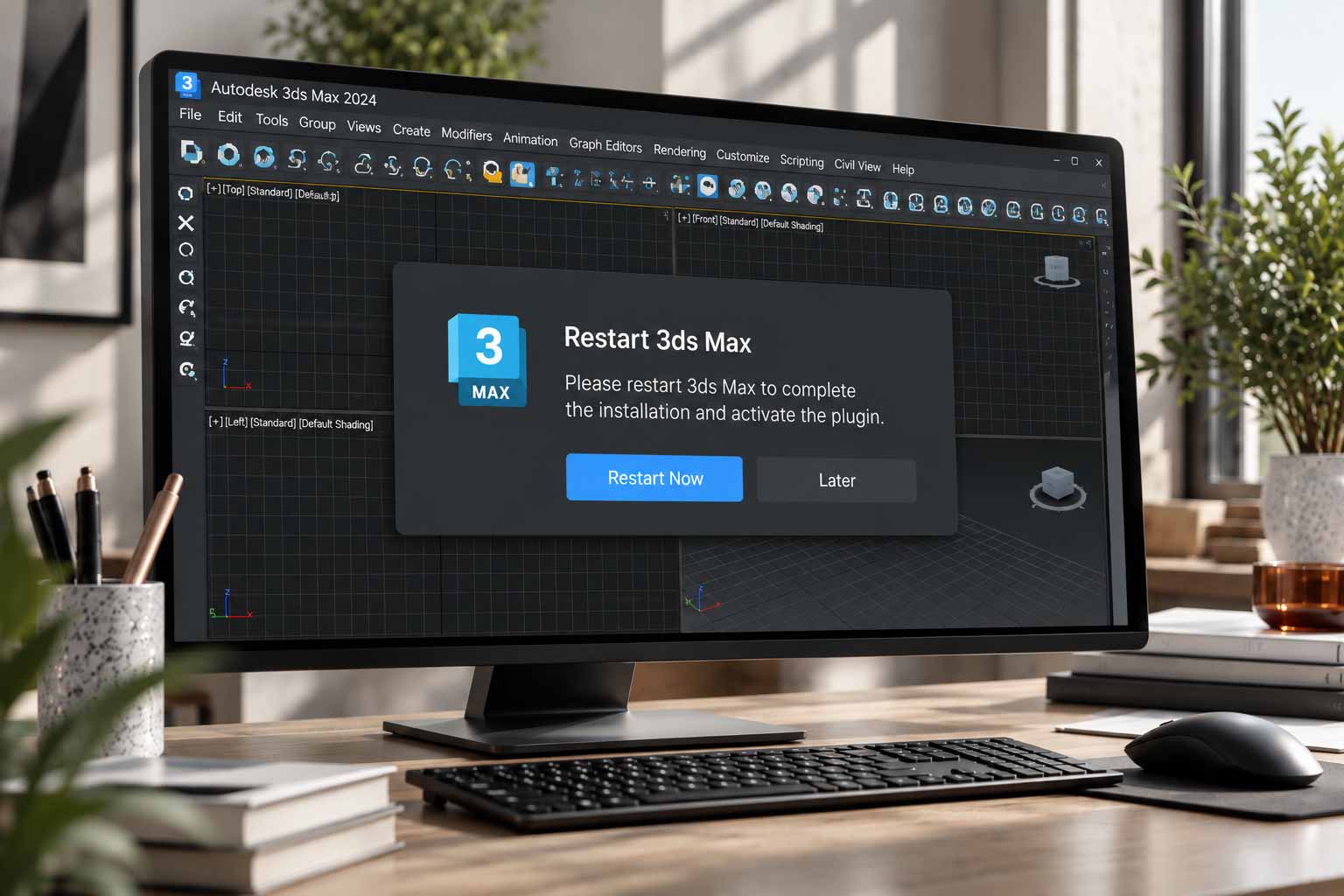
2.
Restart 3ds Max
Once the installation is complete, restart 3ds Max to activate the plugin
3.
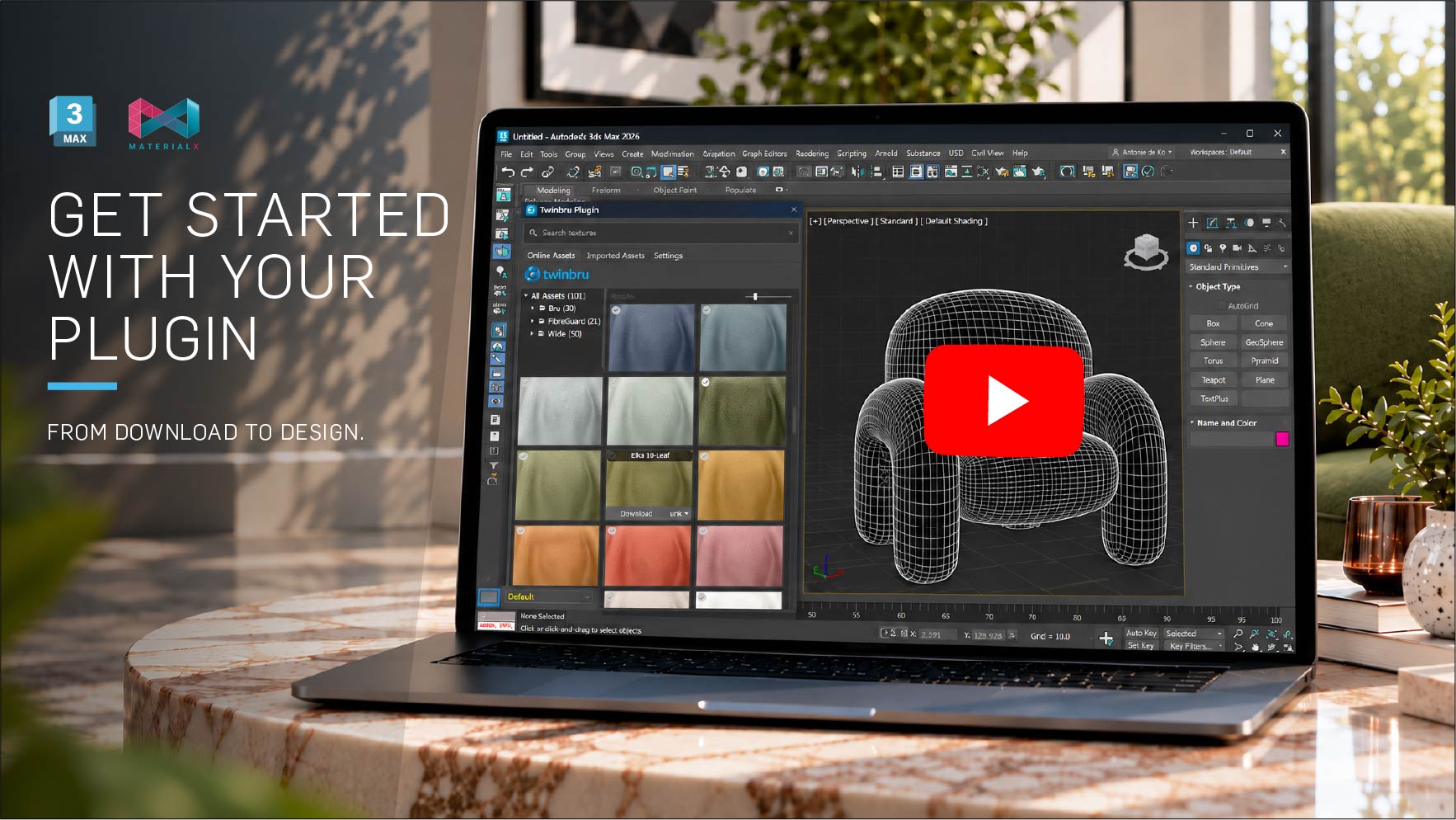
Open your fabric library
Open the FibreGuard plugin in 3ds Max to access a growing library of real interior fabric textures for sofas, chairs, curtains, and upholstery.
Having issues?
You’re ready to start designing
Your fabrics are ready when you are. Explore the library, choose your textures and bring your next interior to life

Need a hand?
Having trouble installing your plugin? We're here to help.